
Last updated: Sunday, August 17th, 2025, 8:41 PM
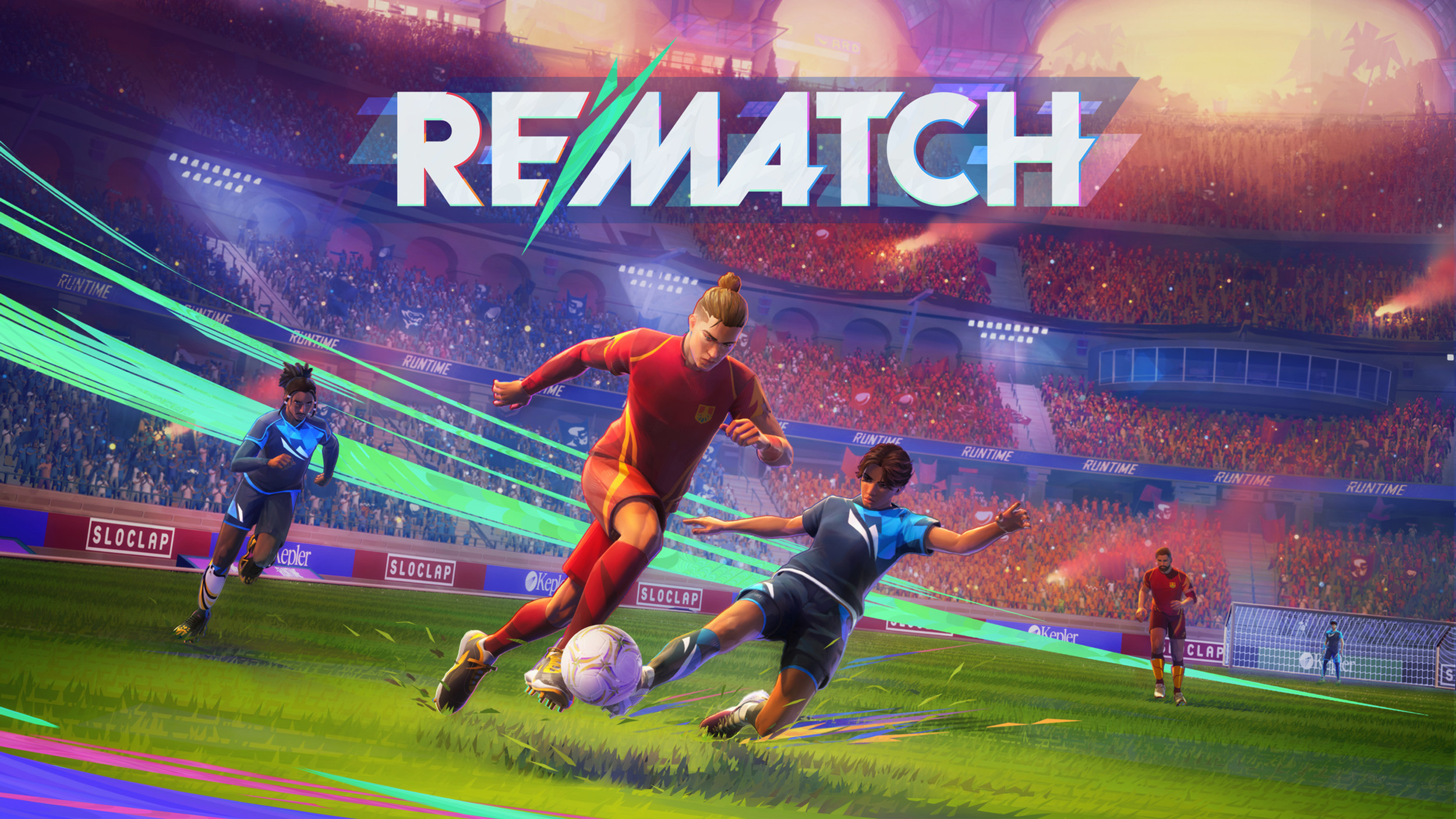
Rematch is an innovative sports game that combines elements of soccer, basketball, and other ball sports into a unique gameplay experience. This comprehensive guide covers all the controls and techniques you need to master the game on Xbox Series X.
🎮 Game Overview
Rematch offers a fresh take on sports gaming with its unique ball-handling mechanics and team-based gameplay. The game features:
What Makes It Special: Unique ball physics and team-based gameplay create a fresh sports gaming experience.
- Dynamic ball physics that respond to player movement and input
- Team-based gameplay with strategic positioning
- Multiple game modes including tournaments and casual matches
- Customizable controls and difficulty settings
🎮 Xbox Series X Control Scheme
Basic Movement Controls
A Button - Ball Control
- Push ball forward - Primary ball movement
- Receive balls - Ball is pushed towards your movement direction
- Auto-receive - Can still receive passes without pressing, but may bounce over your head
- Ball handling - Essential for maintaining possession
Key Point: The A button is your primary ball control - master this first!
X Button - Passing
- Pass - Basic passing mechanic
- Hold X - Gives passes more power and distance
- Pass to score - Passes can also be used to score goals
- Quick passes - Tap for short, accurate passes
Y Button - Ball Lock
- Lock onto ball - Highlights ball and camera follows
- Camera control - Keeps ball in view during gameplay
- Focus mode - Helps with precision ball handling
B Button - Defense
- Steal balls - Primary defensive action
- Sprint + B - Performs a slide tackle
- Defensive positioning - Key for ball recovery
Advanced Techniques
Left Bumper (LB) - Spin Moves
- Spin - Basic spin move to evade defenders
- Double-tap LB - Use extra effort (activates blue bar)
- Momentum building - Builds up for powerful moves
Right Bumper (RB) - Combination Moves
- Hold RB + X - Lob pass (slower, but gets ball over defenders)
- Hold RB + Tap A - Juggle a ball for advanced control
- RB + B - Tackle the ball (can also steal from teammates)
- RB + X - Overhand throw for long-distance passes
Shooting & Power Moves
Right Trigger (RT) - Shooting
- Shoot the ball - Primary shooting mechanic
- Hold RT - Increases shot power and distance
- Movement + RT - Puts spin on the ball
- Power vs Accuracy - Less powerful shots curve more
Left Trigger (LT) - Defensive Stance
- Defensive stance - Turns you into a “brick wall”
- Hold LT + Tap A - Short dash for quick positioning
- Defensive positioning - Essential for blocking shots
Goalkeeper Controls
B Button (as Goalie)
- Dive - Primary goalkeeping action
- While stationary - Jump straight up to block high shots
- Timing - Critical for successful saves
Ball Handling (While Holding Ball)
- X Button - Roll the ball for quick distribution
- RB + B - Perform a header for aerial play
- Quick distribution - Essential for counter-attacks
Pro Tips & Strategies
Ball Control Mastery
- Practice juggling - Use RB + A combinations regularly
- Master spin moves - LB spins are crucial for evading defenders
- Ball lock usage - Use Y button to maintain focus on the ball
Team Play Strategies
- Passing combinations - Master RB + X lob passes for breaking defenses
- Defensive coordination - Use LT defensive stance strategically
- Counter-attacks - Quick X button passes for fast transitions
Goalkeeper Excellence
- Timing dives - Practice B button timing for saves
- Ball distribution - Use X and RB + B for quick counter-attacks
- Positioning - Master defensive stance with LT
Game Modes & Applications
Tournament Mode
- Master all controls before entering competitive play
- Practice combinations - RB combinations are essential
- Defensive strategies - LT + A dash moves are crucial
Casual Play
- Experiment with different control combinations
- Focus on fundamentals - Master A, X, Y, B buttons first
- Build muscle memory - Practice until controls feel natural
Control Customization
Recommended Settings
- Sensitivity - Adjust for your play style
- Button mapping - Customize if needed for comfort
- Camera settings - Optimize for ball tracking
Accessibility Options
- Visual indicators - Use ball lock (Y) for better tracking
- Audio cues - Listen for game feedback
- Practice mode - Use training modes to master controls
Conclusion
Mastering Rematch requires understanding both basic and advanced control combinations. Start with the fundamental A, X, Y, B buttons, then gradually incorporate RB and LB combinations. The key to success is practicing these controls until they become second nature, allowing you to focus on strategy and team play rather than button combinations.
Remember: Practice makes perfect! Spend time in training modes to master these controls before jumping into competitive matches.